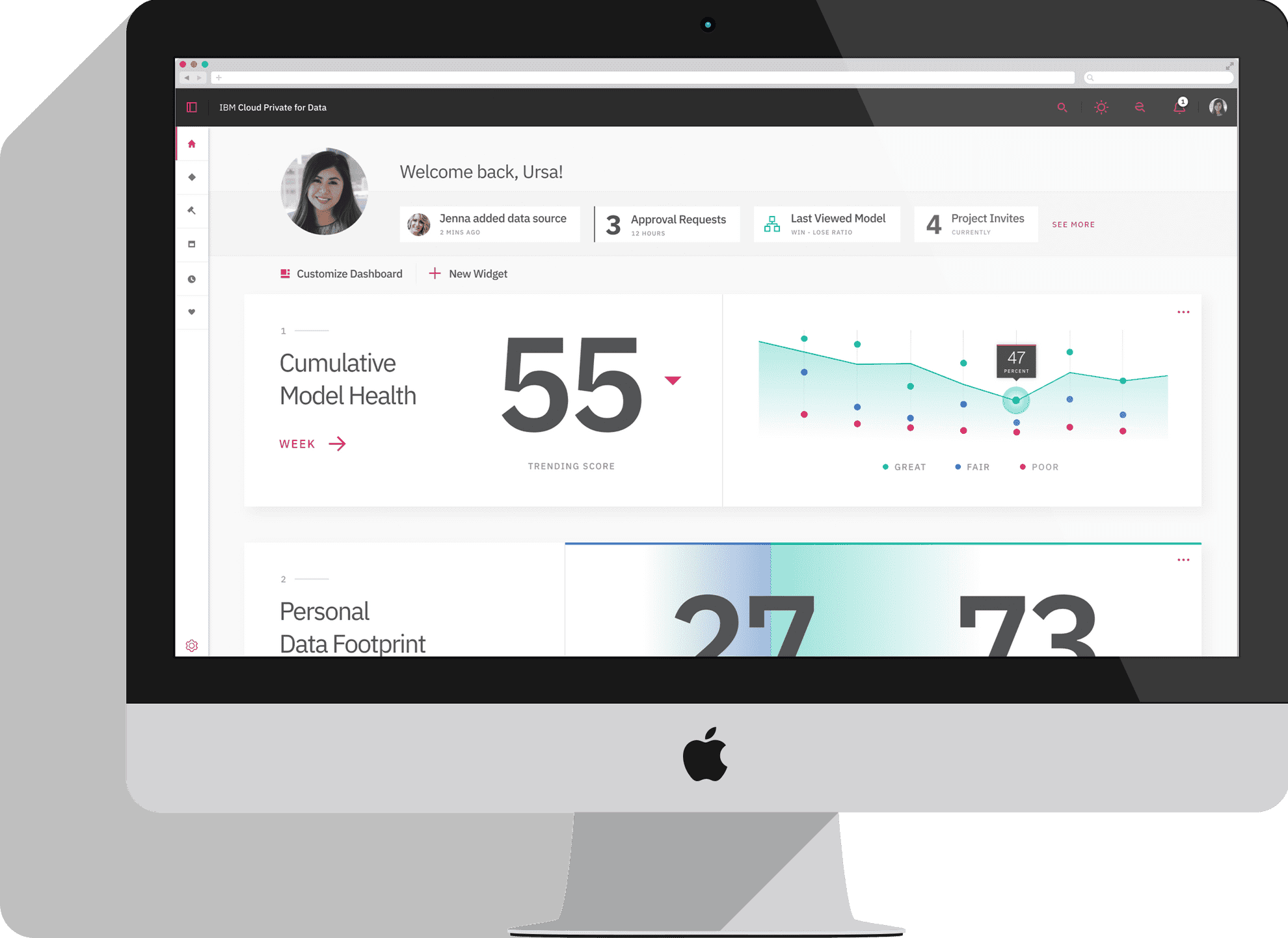
Spring 2019
Platform-wide search
Create an experience that can search anything across the platform anytime, anywhere.
Research*UI*UX*SoftwareInception
Cloud Pak for Data (CPD) is a platform that brings together several of IBM’s data analytics tools into one end-to-end data science workflow. The CPD search experience needed to be built to be 1) flexible enough to extend search into future tools but 2) specific enough to provide contextual help on any asset within the platform.
My contribution
For this project, I led and presented market, generative, and user-testing research that enabled search between seven applications within CPD. I wireframed and designed high-fidelity concepts that I delivered to engineers. Much of this work was supported by two other UX designers and one researcher.
Tools
- Sketch & Sketch Measure
- Invision
- Principal
- Keynote
Understanding the marketplace
The team started with gaining domain knowledge for the project with competitive and generative research. Some of our objectives included the following:
- Identify how users currently access data and resources (e.g., models), and how well these methods work for them
- Provide a better understanding of how search fits within a workflow and a user's goal when attempting to find data or resources
- Identify what information about a search result helps users identify whether it will suit their needs and differentiate between results
- Understand how permissions fit into data search
The team conducted one hour interviews with seven professionals (some data scientists and some Chief Data Officers) who came from a range of industries. Takeaways from this research are:
- There are many limitations with current methods for finding data
- Data scientists want to see models, notebooks, and algorithms
- Users need to trust that the data is safe to use
Simultaneously, we performed competitive analysis. B2B companies, who are more direct competitors to Cloud Pak for Data, helped us understand the technology behind the product. This aided me in speaking the same language as our engineering team. We also looked at B2C companies such as Google, Facebook, and Wolfram Alpha to understand the quality experience that our users will expect when searching.
Creating a vision
CPD launched with a very limited search capabilities of the data catalog. Gaps included lack of filtering, navigation in the platform, and the ability to search outside of the catalog. Users had to look in multiple places to find what they needed to get their work done. The design team created and presented a vision to our cross-functional team. The principals we would use as our guiding light were as follows:
- One centralized access point to all resource available anything, anywhere
- A catalyst for navigation within the platform
- Search results can be easily connected to their current workflow
CPD search was to combine and sort through the following:
- CPD tools and assets that come with a basic install of the platform. These include a data catalog, data analytics and modeling tools, etc.
- CPD add-ons which grow in number every quarter and extend the capabilities of the data science workflow.
- Company specific catalogs, not created by CPD. These are created by the company that buys and installs CPD.
- User generated assets including projects, tasks, and unpublished data (data not reviewed by the company).
Personas
One of the most challenging aspects of this project was that CPD is built for several personas who are all searching for different assets within the platform. Our team balanced the needs of two focus personas (Betty and Chris) and three secondary-focus personas (Daniel, Dominik, and Emmett).
BettyBusiness Analyst
Task: Answer a specific question about data
Need: Natural Language searching
With CPD Betty can now:
- Search through data and metadata
- Use natural language and see data visualizations
- Share answers with colleagues
ChrisData Scientist
Task: Gather the right data to build an ML model
Need: Previewing and accessing data
With CPD search Chris can now:
- Use conditional filtering
- Save search queries
- Request access to data
- Preview data
DanielData Engineer
Task: Navigate to a past workflow
Need: Navigating to parts of the platform quickly
With CPD search Daniel can now:
- Navigate to job history
- Filter and scope search
DominikData Steward
Task: View and edit glossary terms and policies
Need: Cataloging data
With CPD search Dominik can now:
- Search glossary terms and perform actions on them
EmmettSystem Administrator
Task: Permission users who enter the platform
Need: Navigating to parts of the platform quickly
With CPD search Emmett can now:
- Navigate through the platform using search
- Search through documentation
Card sorting
After our initial round of research, our team started to get a better picture of what our general search experience should be. When I started to wireframe concepts, I quickly ran into this question:
What types of results can a user find and what actions can they perform on each result?
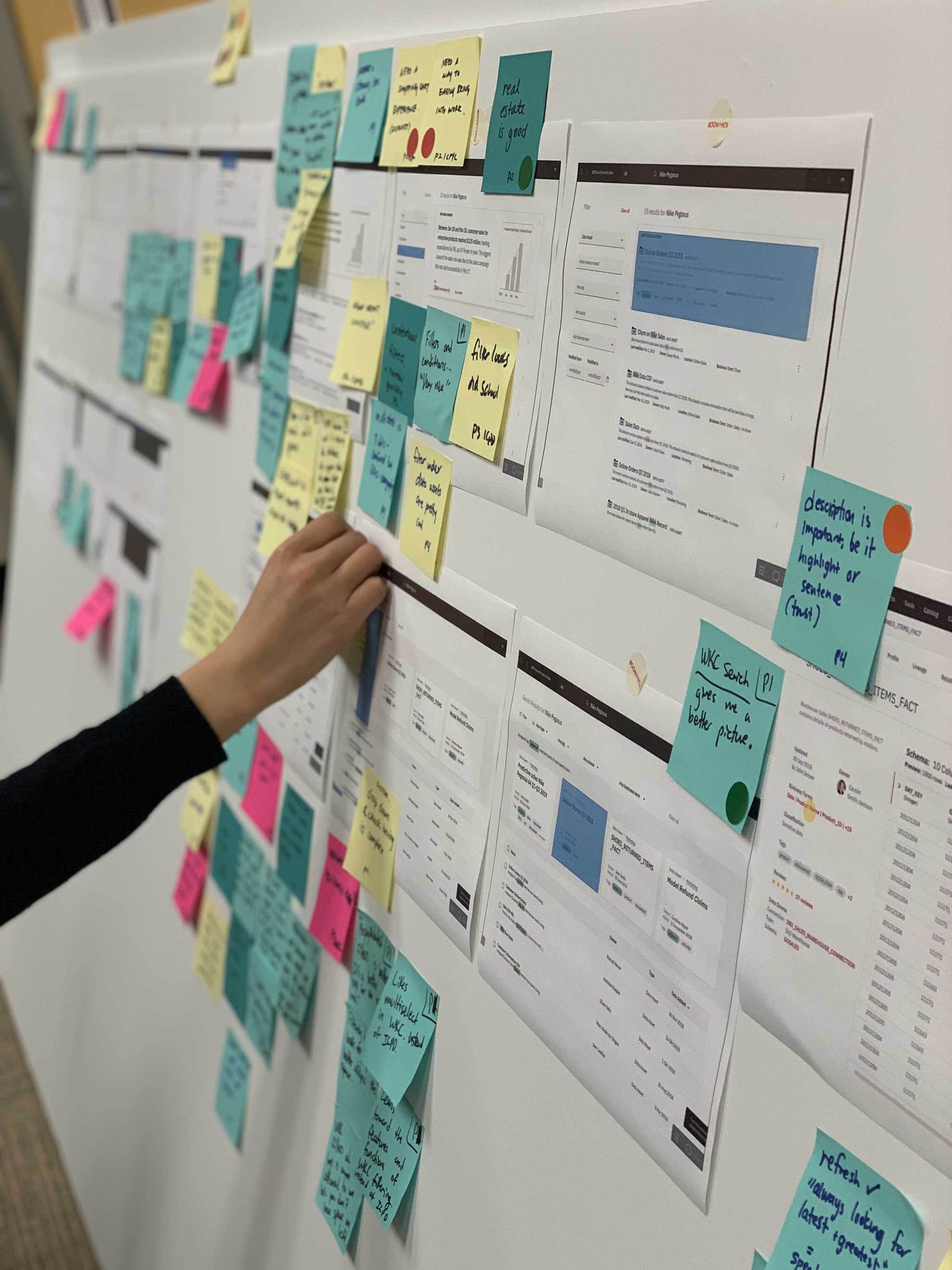
This question was a hard one to answer, as the product was less than a year old and still had new IBM services being integrated into it every quarter. To move the team forward, I suggested a card sorting exercise to get an initial mapping of these searchable results.
I interviewed several product teams that were associated with the different services being integrated into Cloud Pak for Data and drafted a list of results that may appear in the search experience. Once we had this list, we split each item into a card and showed it to our Chief Architect. He was able to group items in like categories and tell us what items we missed.
This exercise helped the content of our wireframes become more clear, and we moved forward with iterating on concepts.
Designing in broad strokes
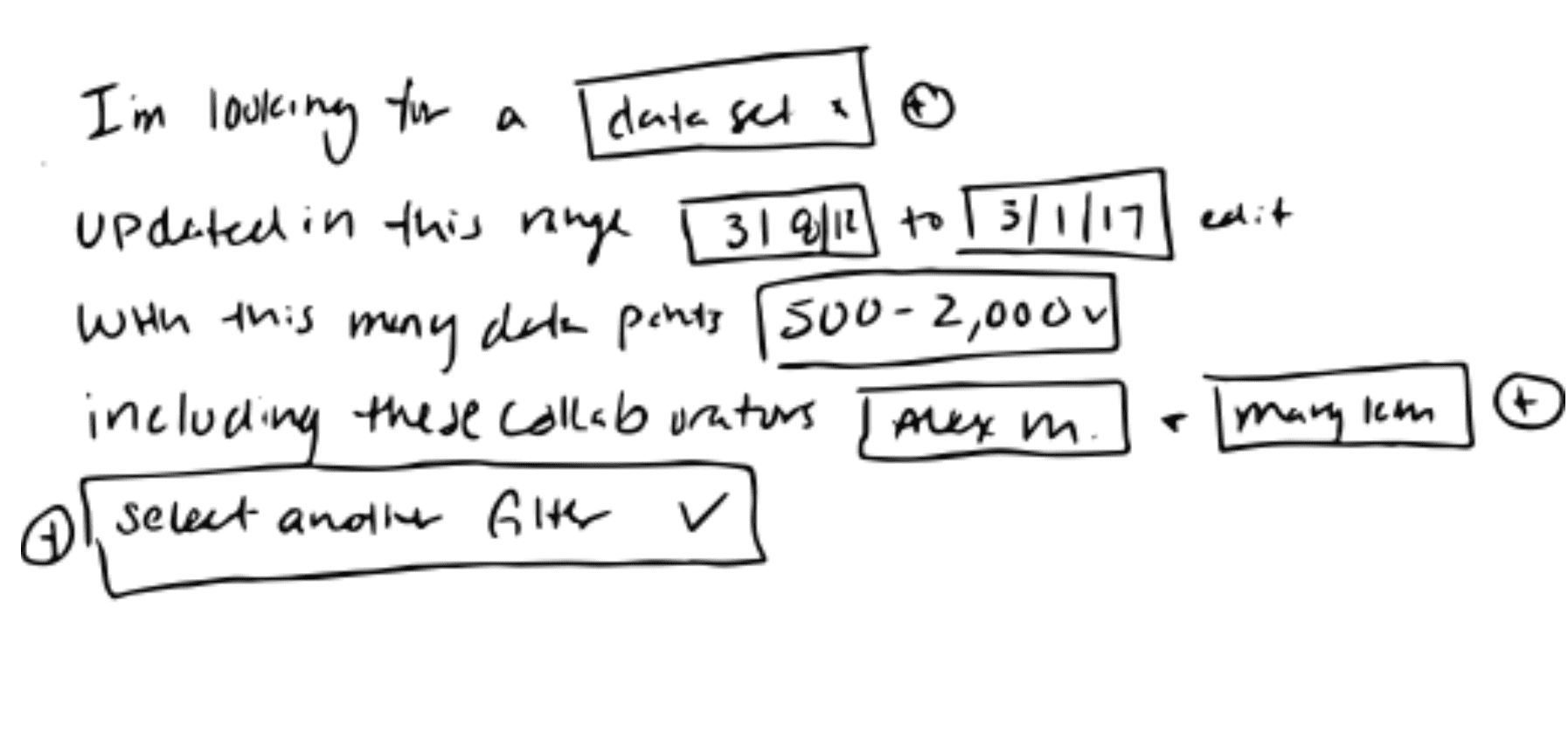
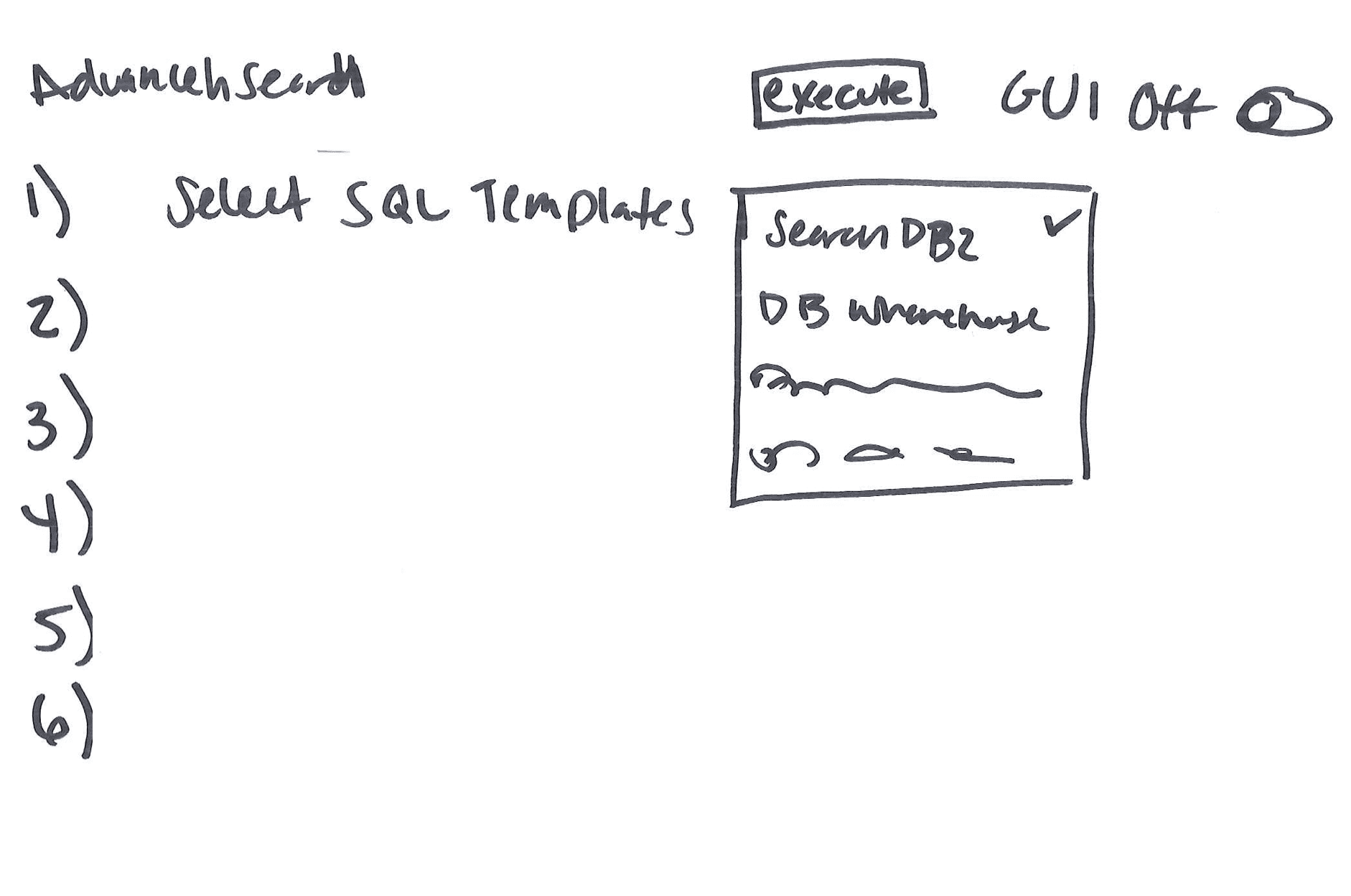
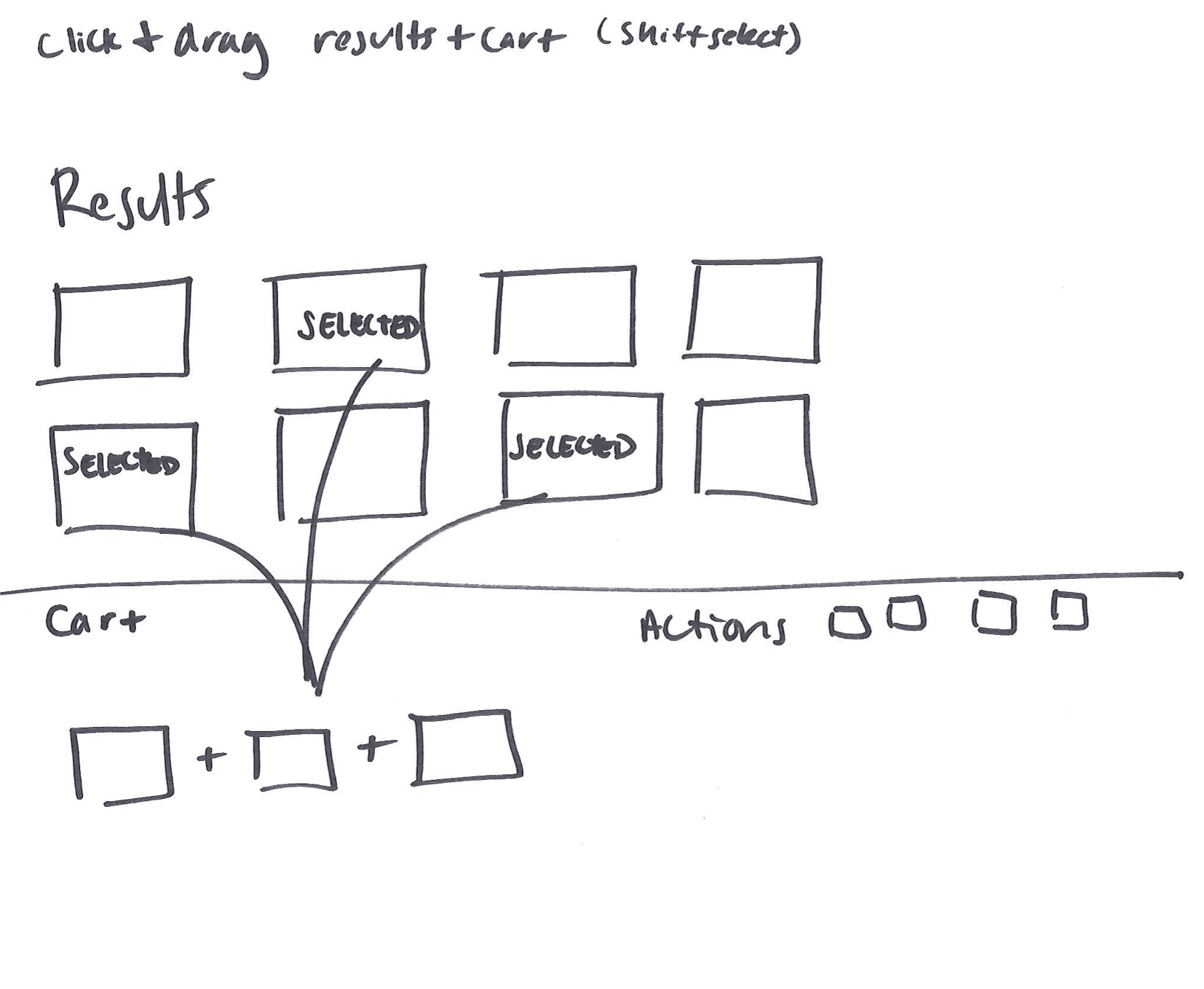
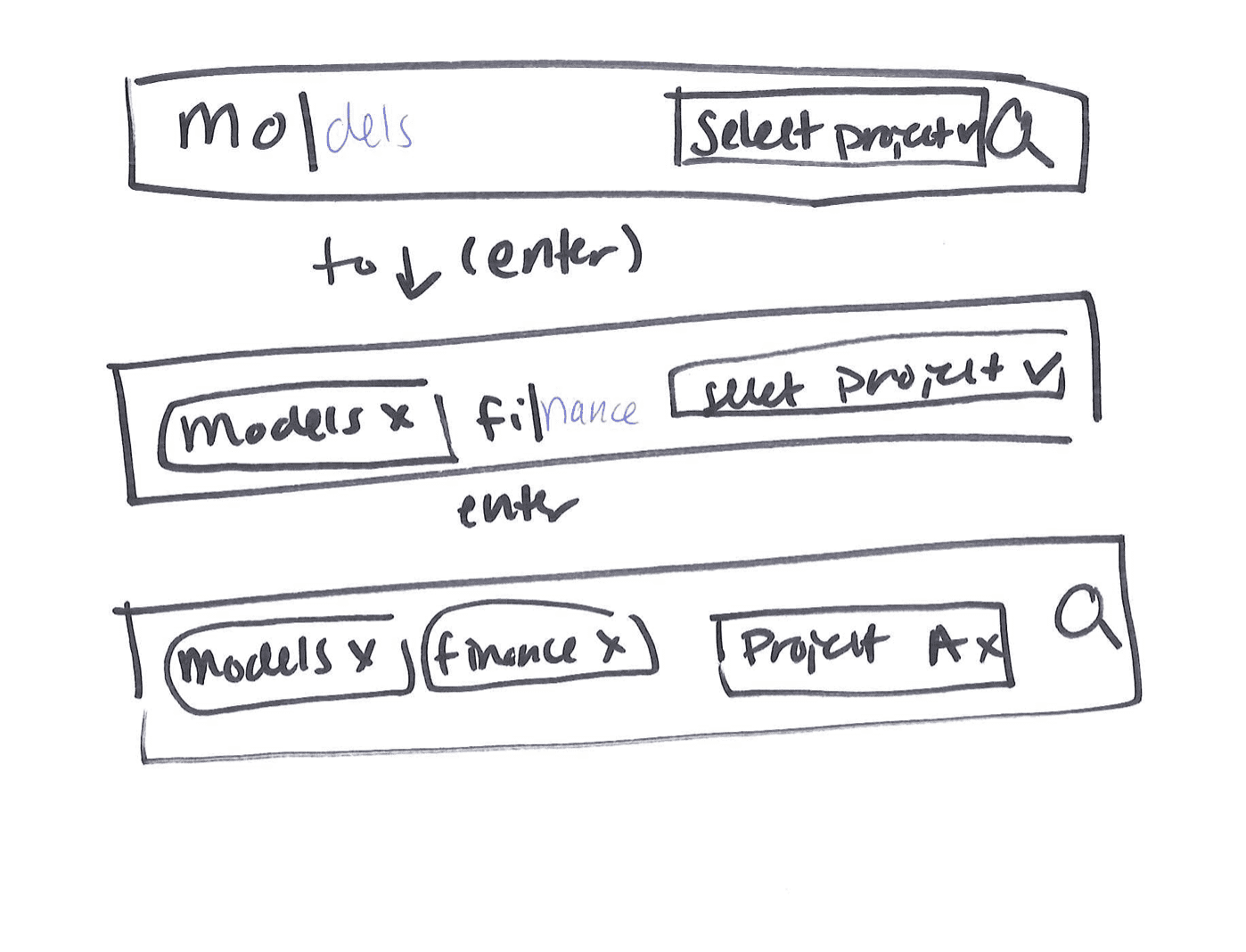
I created several “how might we” statements that helped me to create high level concepts to present to our cross functional team.
How might we...
...make data search feel conversational?
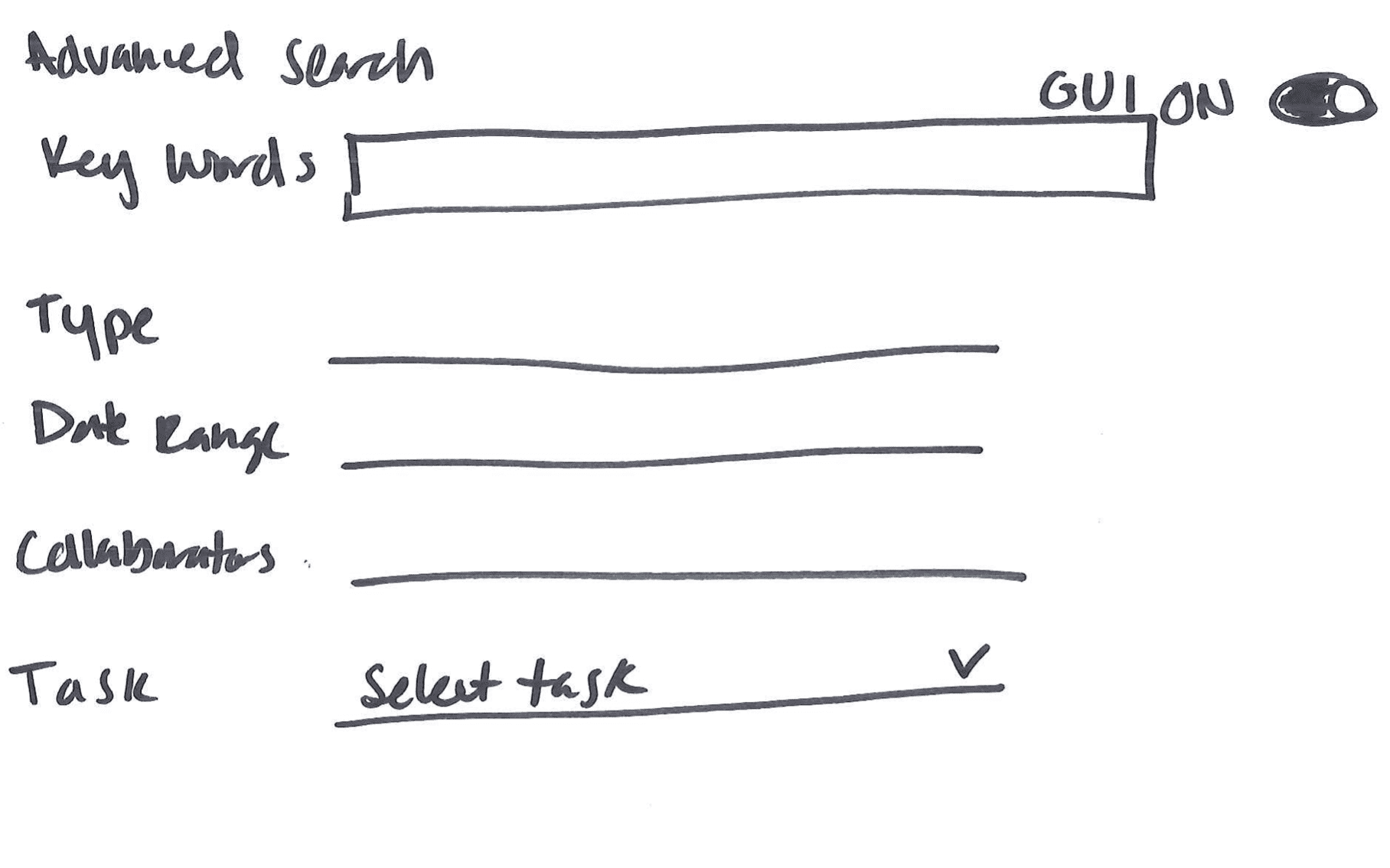
...make it easier to reuse SQL searches?

...provide shortcuts in exploring data?
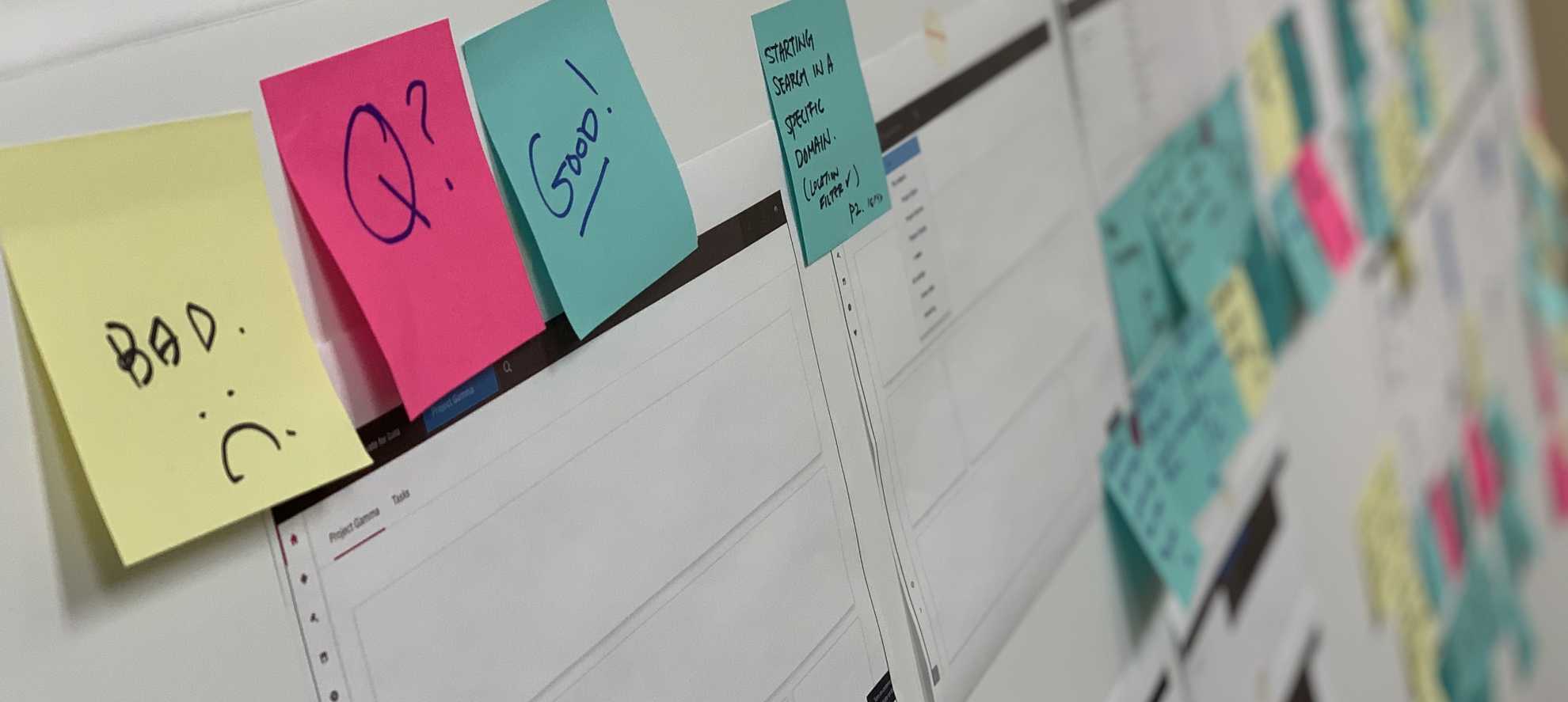
Testing our concept
Once my team had two main concepts in the works, I led the user testing iniative. I drafted a research plan, with the help of my researcher, and we recruited participants to fit our target personas.
Using Invision, we prompted participants with tasks and had them guide us through each concept. At the end of the test, they were able to compare like features to give us more detailed feedback.
Our takeaways were boiled down into these three points:
- Speed: “Get me the answer ASAP”
- Actionable: “I need to do this action with the result I’ve found”
- Trustworthy: “Promise me the answer is relevant and reviewed”
These insights acted as our guiding light moving into the next round of prototyping.
Moving forward
We took the aspects of our search experience that were validated and improved on the aspects that didn’t resonate with our users. Once our search vision was created, we shared it with stakeholders in Offering Management, Engineering, and Design to get buy in and moved forward with scoping.
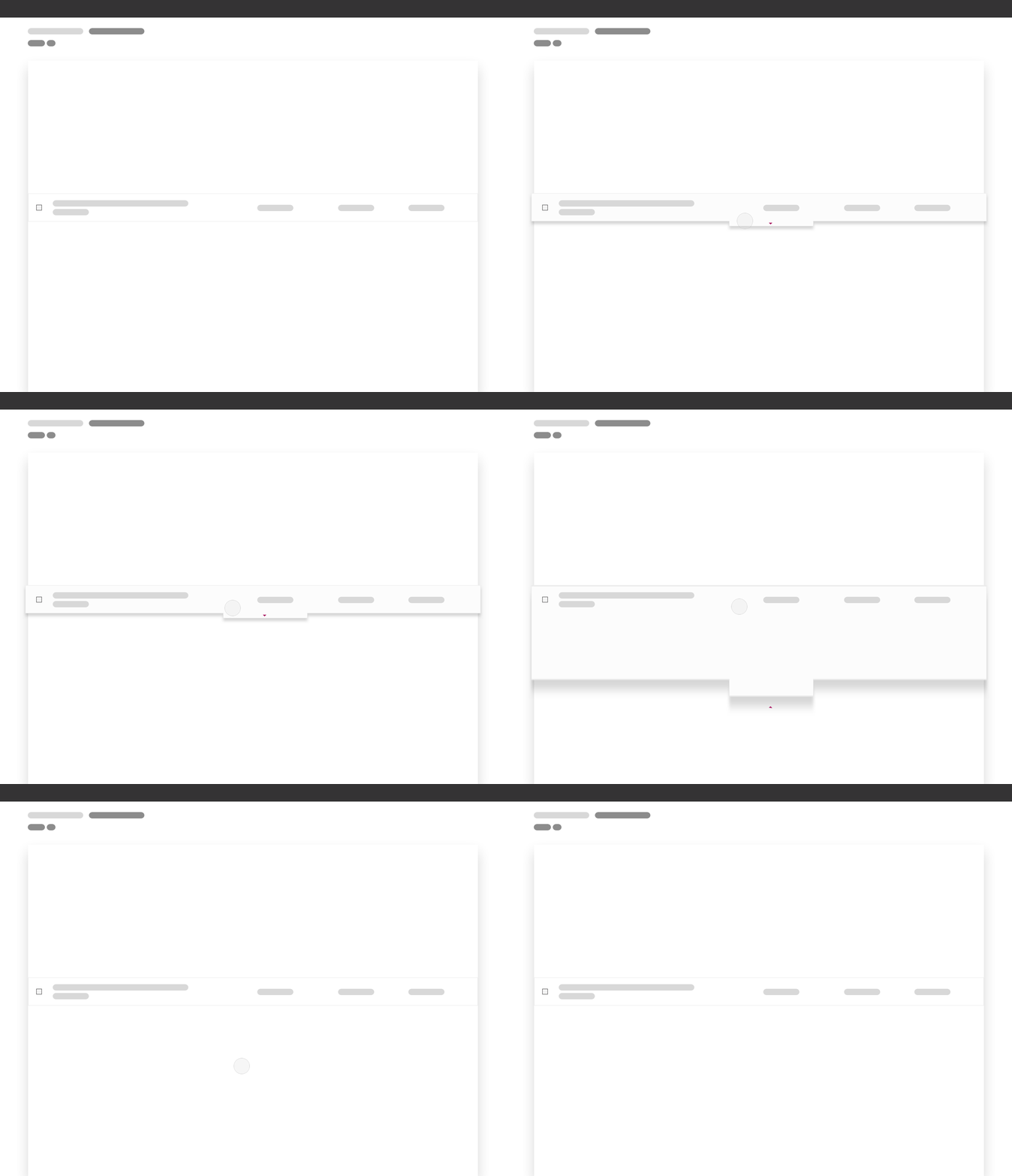
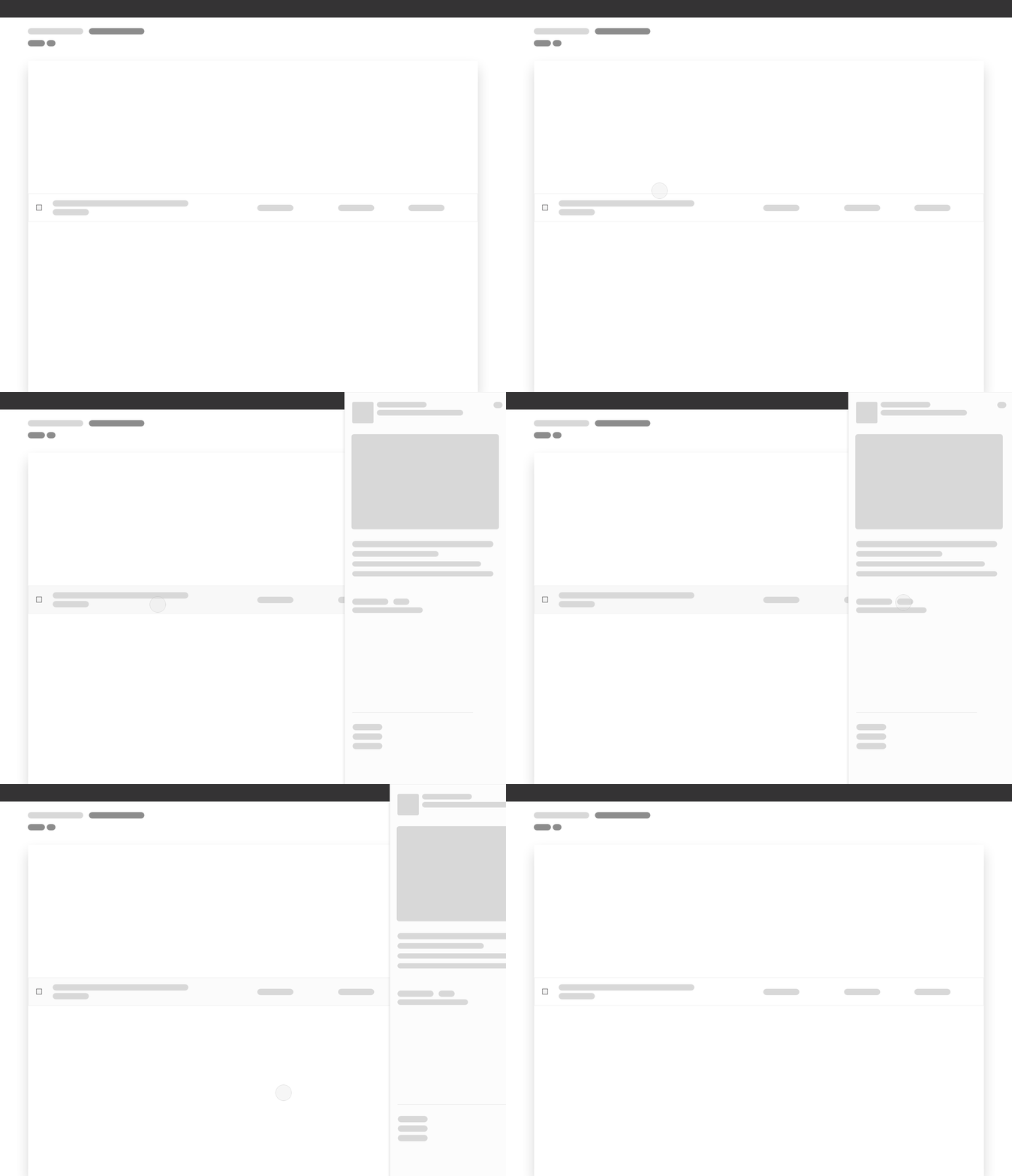
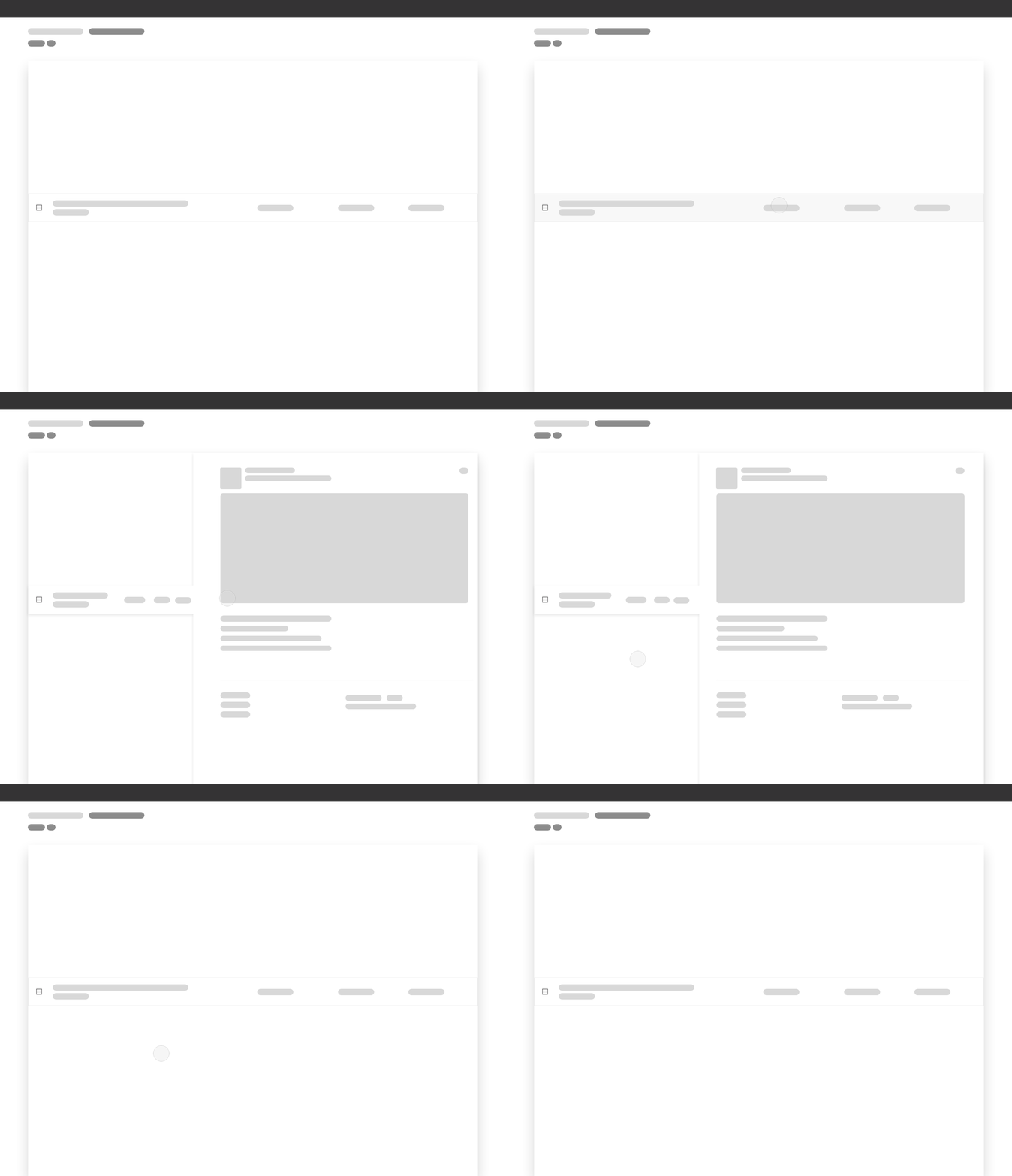
To the left (or above on mobile) are three interactions I toyed with while prototyping in Principal. Here, a user has just performed a keyword search and they are able to view a preview panel with more metadata about their result before selecting it.
As I nailed down the content that would live in these wireframes, I ended up eliminating the preview panel all together. Instead, I was able to prioritize the most important information and show it to the user on first glance.
CPD launches it's search experience
In Winter 2019 our team delivered and developed an enhanced search experience in CPD. Any user was able to search for any asset with contextual filtering to help them with their data science workflow.
This project resulted in:
8
Search across 8 IBM tools including virtualized data
5
Target users individual needs met

My design team, with some remote team members photoshopped in 😊
Next project
Temp°